Chat with Google Analytics 4 Data in Slack: n8n + Gemini AI Bot
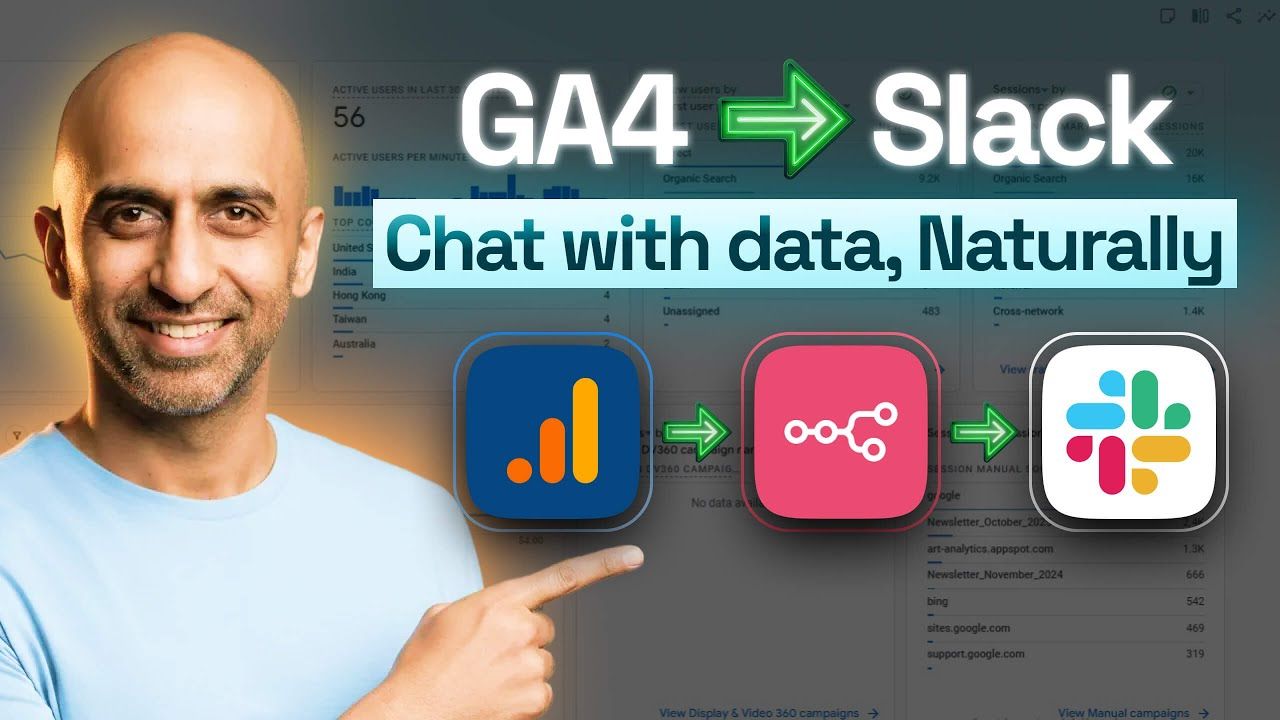
Query Your GA4 Data with Natural Language: A Slack + Gemini AI Bot
Casual business users often find the GA4 interface overwhelming and dashboards too complex for quick questions. This Slack bot provides instant, factual numbers using an n8n workflow directly inside Slack channel as a reply.
What is the GA4 AI Chatbot?
The GA4 AI Chatbot is an automated n8n workflow that allows users to query Google Analytics 4 data using natural language inside a Slack channel. It utilizes a Slack trigger to capture queries, Google Gemini 2.5 Pro as the processing "brain," and a dedicated GA4 node to fetch factual metrics. The bot then replies directly to the user in Slack with the requested data.
I Built a Slack Bot that "Chats" with My Google Analytics Data - Free n8n template - YouTube
Tap to unmute
I Built a Slack Bot that "Chats" with My Google Analytics Data - Free n8n template Scalo AI Labs by Adil
Scalo AI Labs by Adil13 subscribers
How the Workflow Functions
This automation follows a clean, linear path to ensure accuracy and reduce "channel spam":
Slack Trigger: The bot listens for specific mentions or messages in a designated Slack channel. [01:44]
Query Cleaning: A small JavaScript snippet (Edit Fields node) strips away the bot's name and unnecessary characters, passing only the core question (e.g., "What was the engagement rate?") to the AI. [02:04]
The AI Agent Node: This is where Gemini 1.5 Pro maps your natural language question to actual GA4 metrics and dimensions. [02:36]
Factual Reporting: The agent queries the GA4 property ID for the specific date range requested and returns the numbers. [03:04]
Threaded Slack Reply: To keep conversations organized, the bot replies as a "thread" to the original message rather than posting a new top-level message. [04:11]
Key Specialist Insights: Preventing "Hallucinations"
As an AI Specialist, I know that LLMs can sometimes "invent" data to be helpful. To ensure this bot remains a reliable source of truth, the template includes critical safeguards:
Strict System Prompts: The AI agent is explicitly instructed to be a "GA4 Analyst" and is prohibited from estimating or inventing data. If no data is found, it must report "zero." [06:02, 06:41]
Temporal Context: The system prompt includes a real-time timestamp so the AI knows exactly what "today" is, preventing it from pulling data from the future or incorrect years. [06:26]
Metric Mapping: We've mapped natural language terms to GA4 technical metrics for example, mapping a user's question about "leads" to "conversions" in the GA4 API. [07:23]
Get the Free Template
You can skip the manual setup and import my tested configuration directly into your n8n instance.
https://n8n.io/workflows/13038-query-ga4-data-with-google-gemini-ai-in-a-slack-channel/